A customer wants weigh and monitor the content inside their silo.
Interface Solution
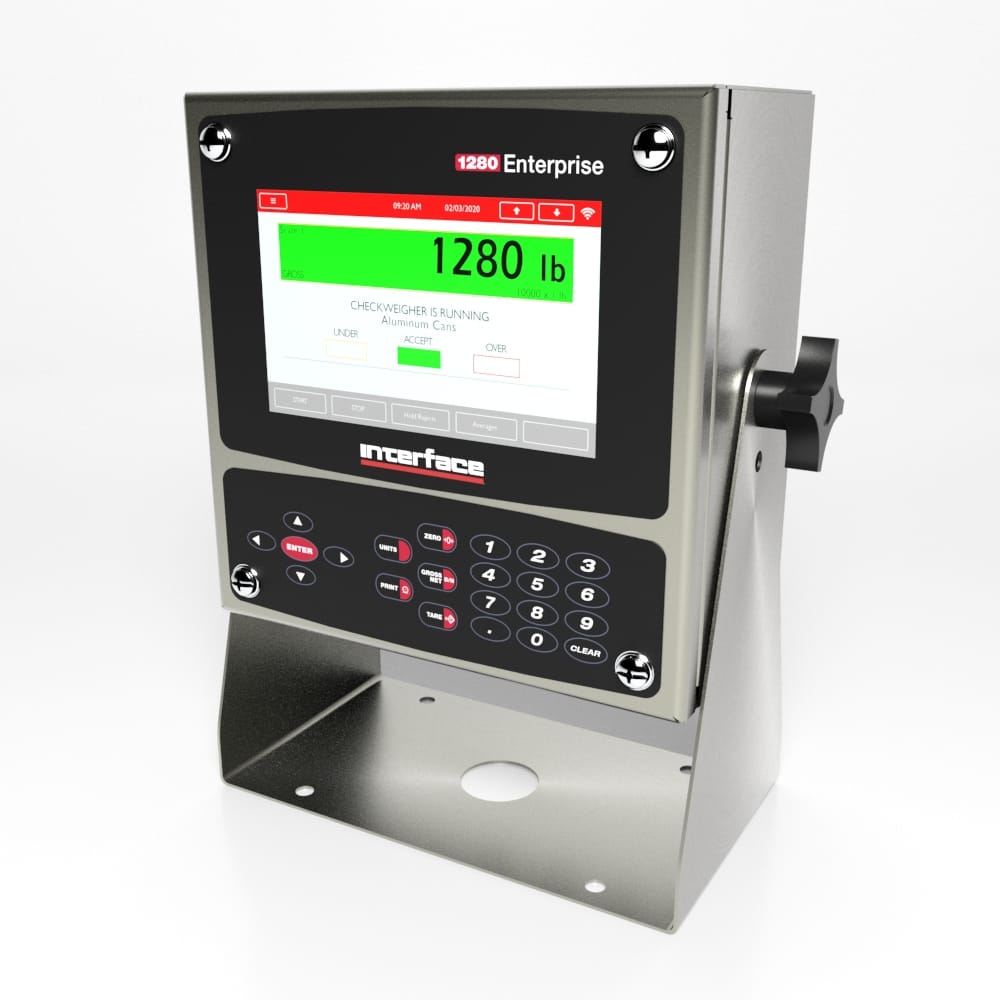
Using Interface’s A4200 Zinc Plated or A4600 Stainless Steel Weigh-check Load Cells, paired with 1280 Programmable Weight Indicator and Controller, the customer is able to monitor the amount of content by weight in their silo.
Results
The customer was provided a customizable solution to monitor and weigh their silo with Interface, Inc.’s load cells and instrumentation. Results from the 1280 Programmable Weight Indicator and Controller was sent to the customer’s control center.
Materials
A4200 or A4600 Weigh-Check Load Cells
1280 Programmable Weight Indicator and Controller
How it Works
The A4200 or A4600 Weigh-Check Load Cells are installed under the legs of the silo, or base of the silo. The Weigh-Check Load Cell will measure the load as material is loaded into or unloaded out of the silo.
Weight measurements will be displayed on the 1280 Programmable Weight Indicator and Controller, showing the weight for each leg and corresponding to the total weight of the silo. The 1280 also has the ability to perform batching functions, and send results to the customer’s control center.